Skip to content

Lettuce Space

A place for
your next idea.

Chat, make a website, work through a spreadsheet,
or read a story and talk it through. Keep it all in Space.

Available on the web and MaciPhone app preview

From the conversation, into the work.

Explore the workspace
WorkSpaceProduct preview
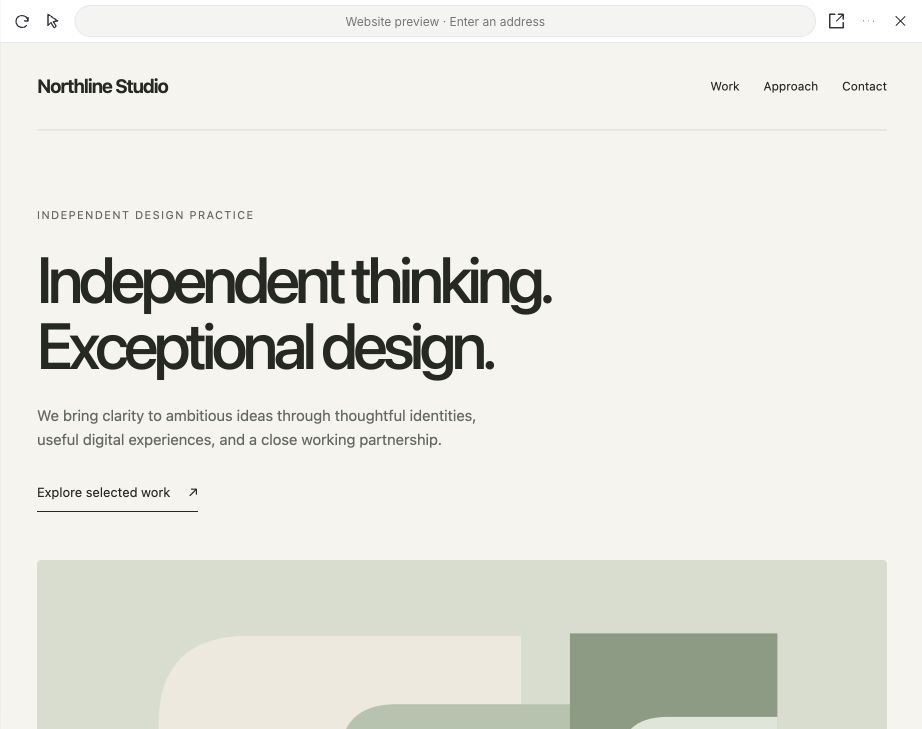
WorkSpace browser pane previewing a sample Northline Studio website.
Preview and refine a website. Sample site.

Create a website from a brief. See the result beside your chat, then keep refining it in the same conversation.

Create in Space

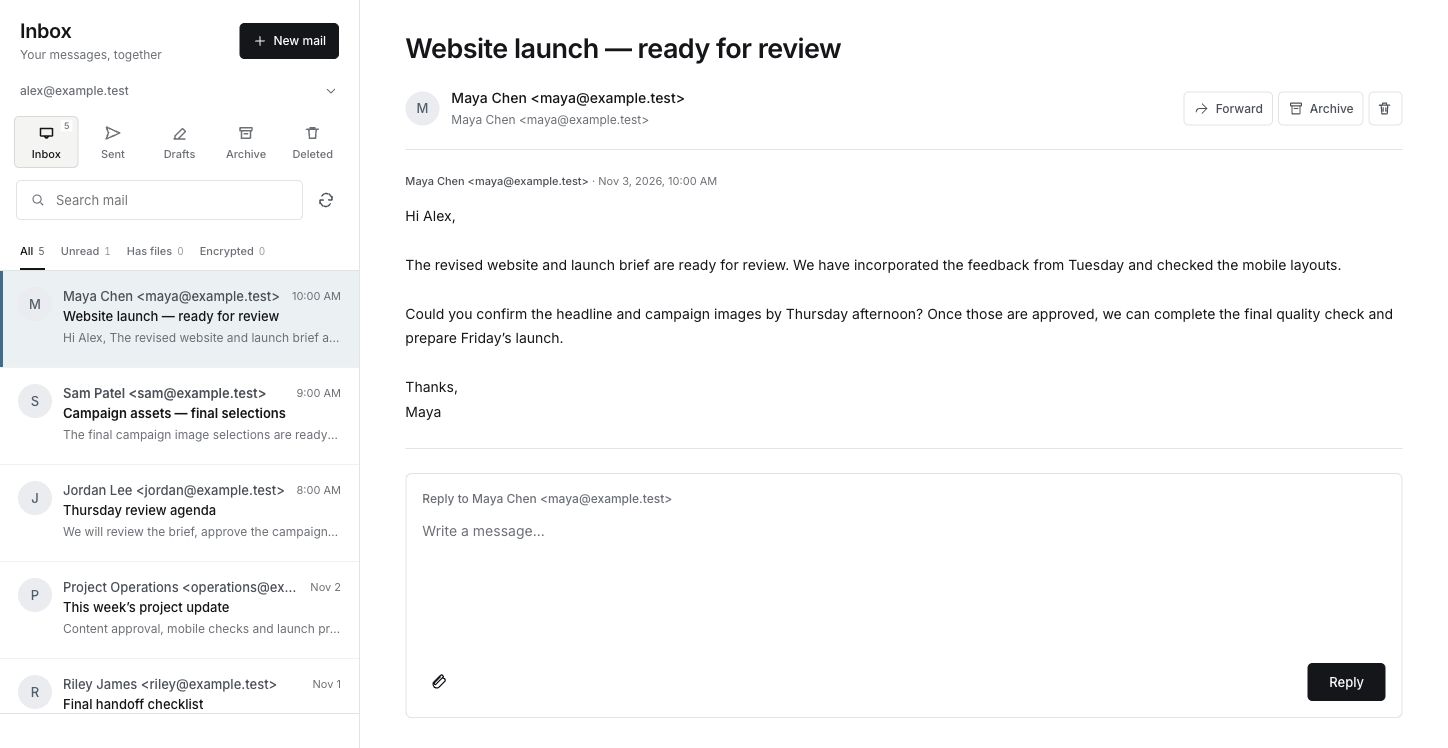
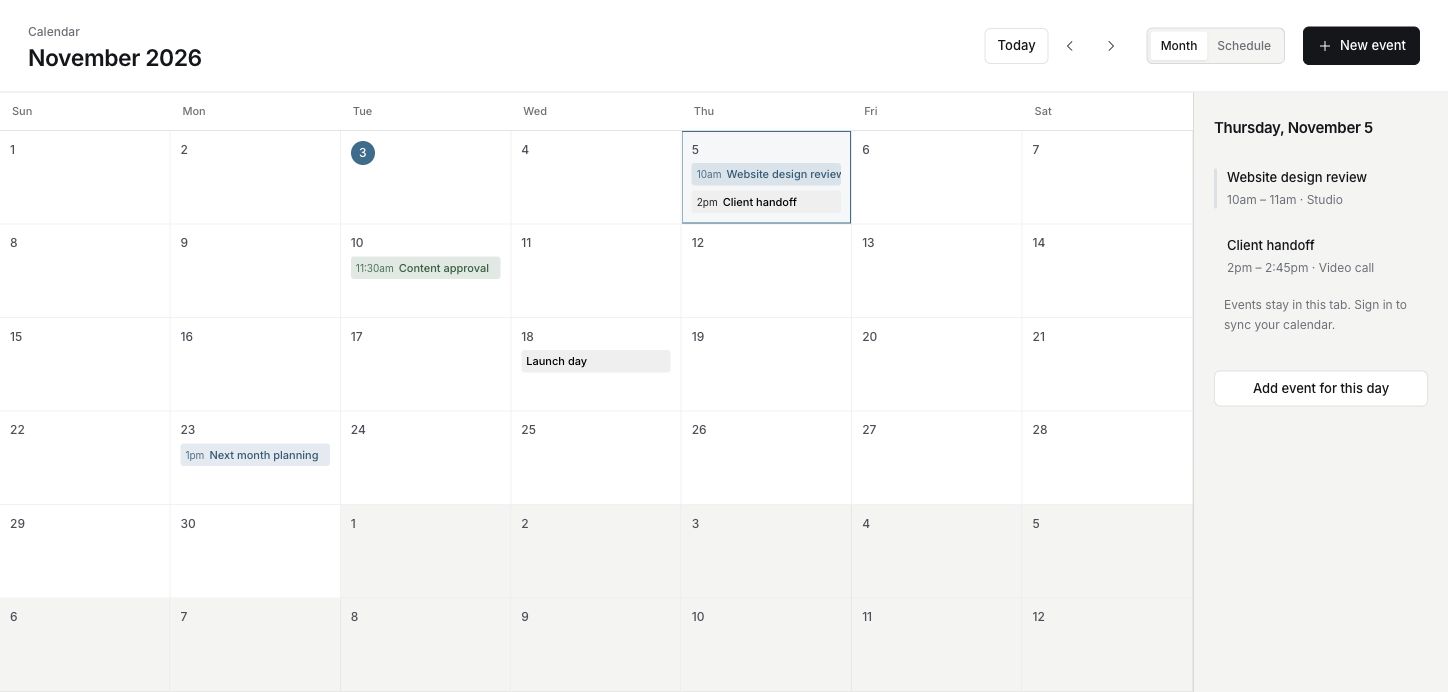
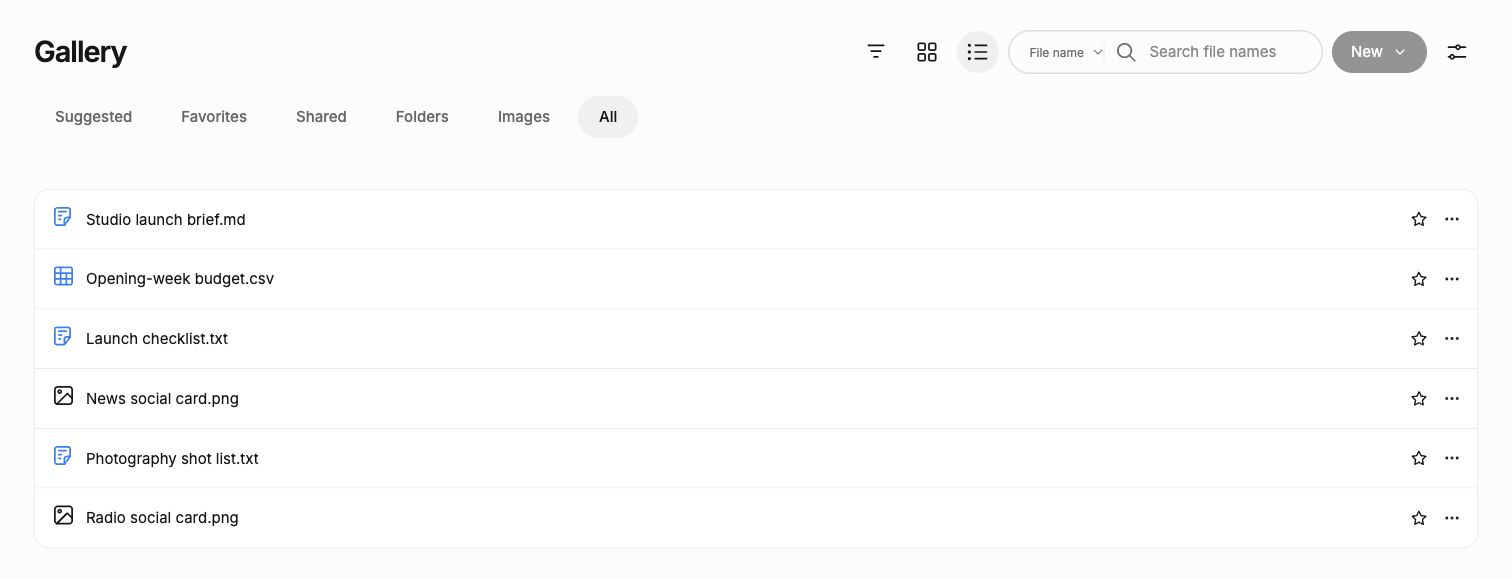
Product views from Lettuce Space. The website, messages, events and files are examples; Health uses sample data.

Make something you can open

A website starts
with a conversation.

Tell Space what you have in mind. WorkSpace creates a website you can preview, refine and download—without leaving your conversation.

  1. Describe the idea.

    Share the purpose, the audience and the feeling you want.

    “Create a website for Northline Studio. Warm white, charcoal type and a quiet editorial layout.”
  2. Explore the first draft.

    Preview the site beside your chat. Follow its links and adjust the space between the conversation and preview.

    Your conversation stays in place.
  3. Make it feel like you.

    Point at an element or describe a change. Reopen your saved draft and keep going.

    “Change the main heading to ‘Design with clarity.’ Keep the rest.”
Review the finished HTML, then download it when you’re ready.Start your website

A few more ways to make progress

The next step.
Within reach.

Give a question a little context. Open the right tool, work through the details and keep the result with the conversation.

Lettuce Sheets

From the details
to a working plan.

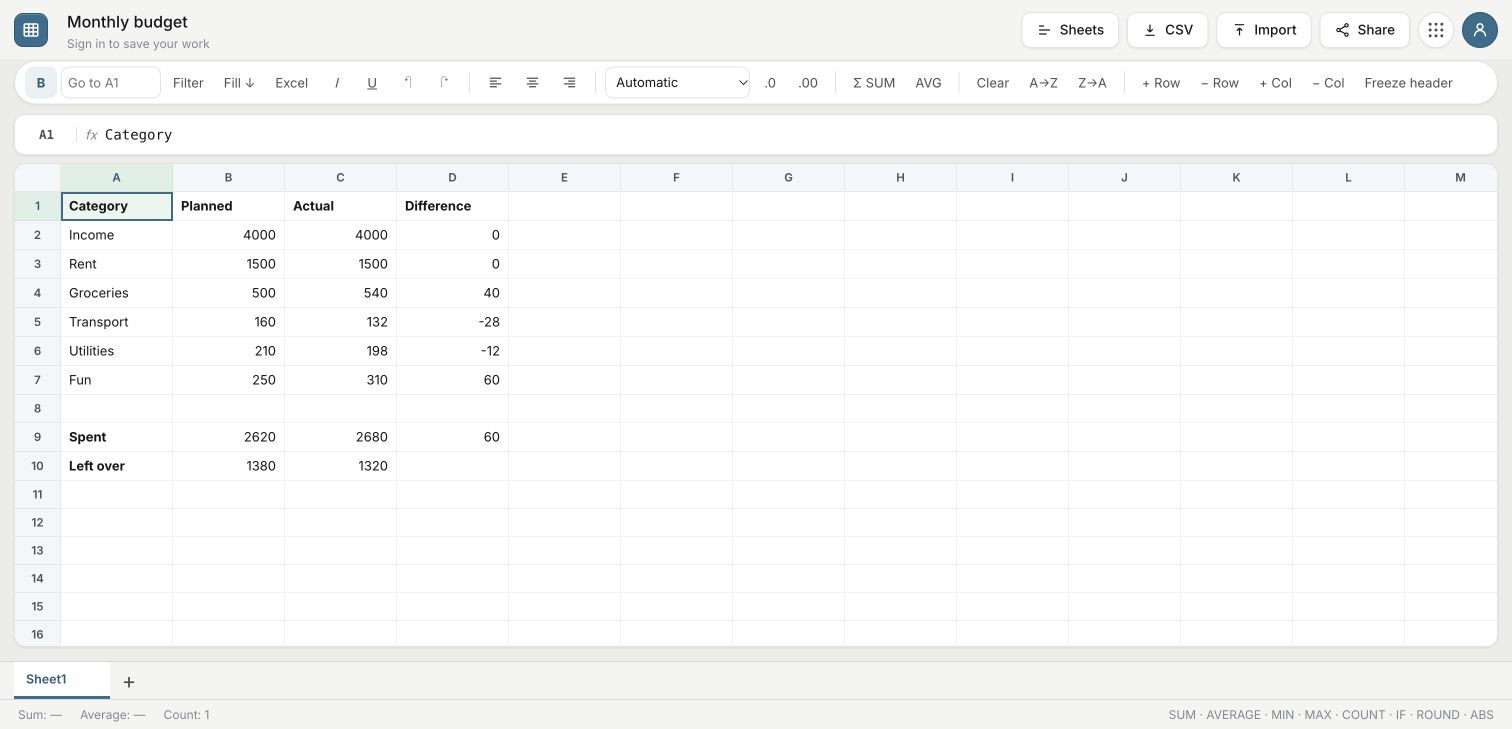
Talk through a budget before making a sheet. Use the costs you know and leave unknowns open. With the sheet beside your chat, ask Space to update the cells and formulas.

“Help me plan a food truck launch budget. Let’s start with the costs I already have.”
Try Sheets in Space
Lettuce Sheets with a sample monthly budget, formatting tools and an editable grid.
Plan with cells and formulas. Sample budget.
Lettuce Press

A draft you can
keep working on.

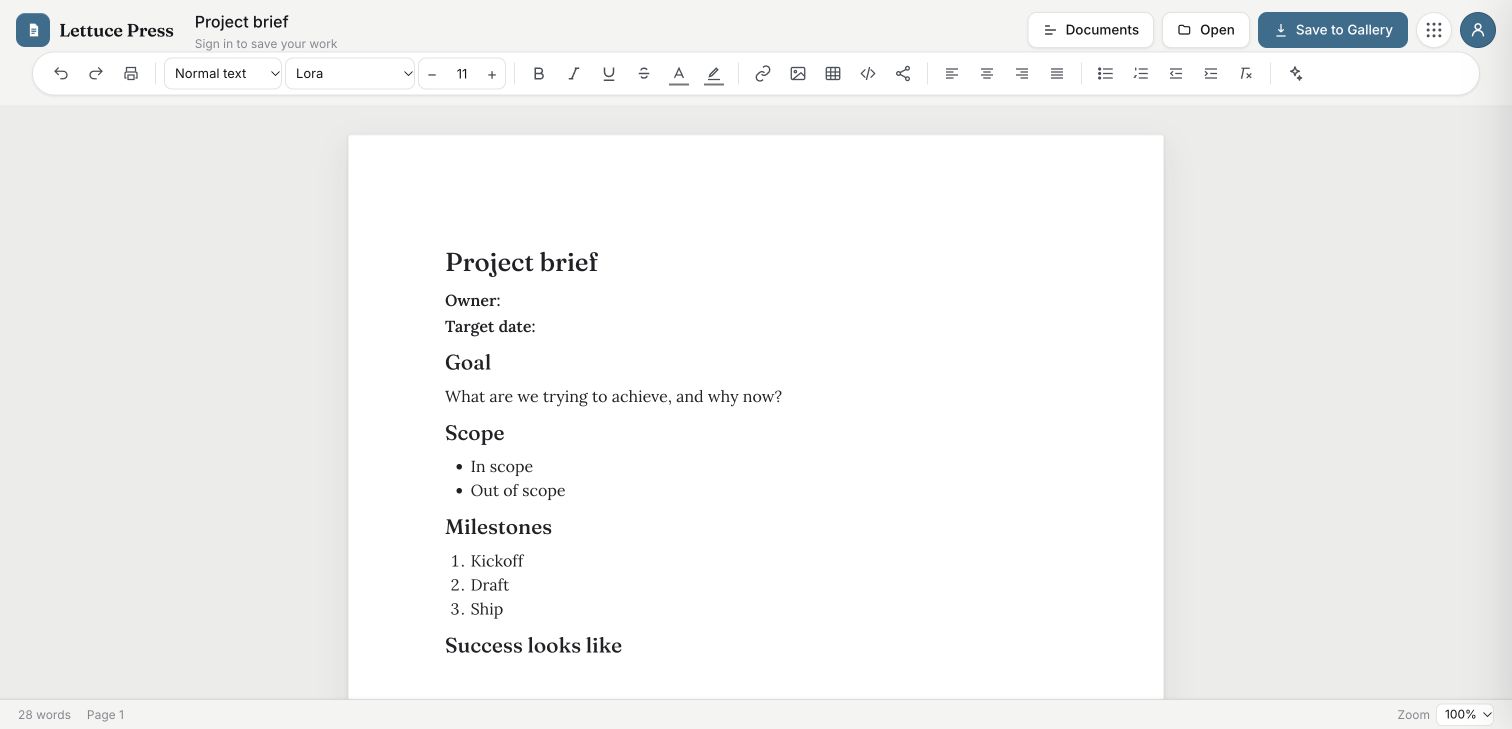
Open a paper and start writing. Ask Space to draft or revise it beside the conversation, then keep editing on the page.

“Turn these notes into a clear project brief, with decisions and next steps.”
Try Press in Space
Lettuce Press showing a project brief, document page and formatting toolbar.
A clear place to write. Sample project brief.
Lettuce News

Read a story.
Follow the question.

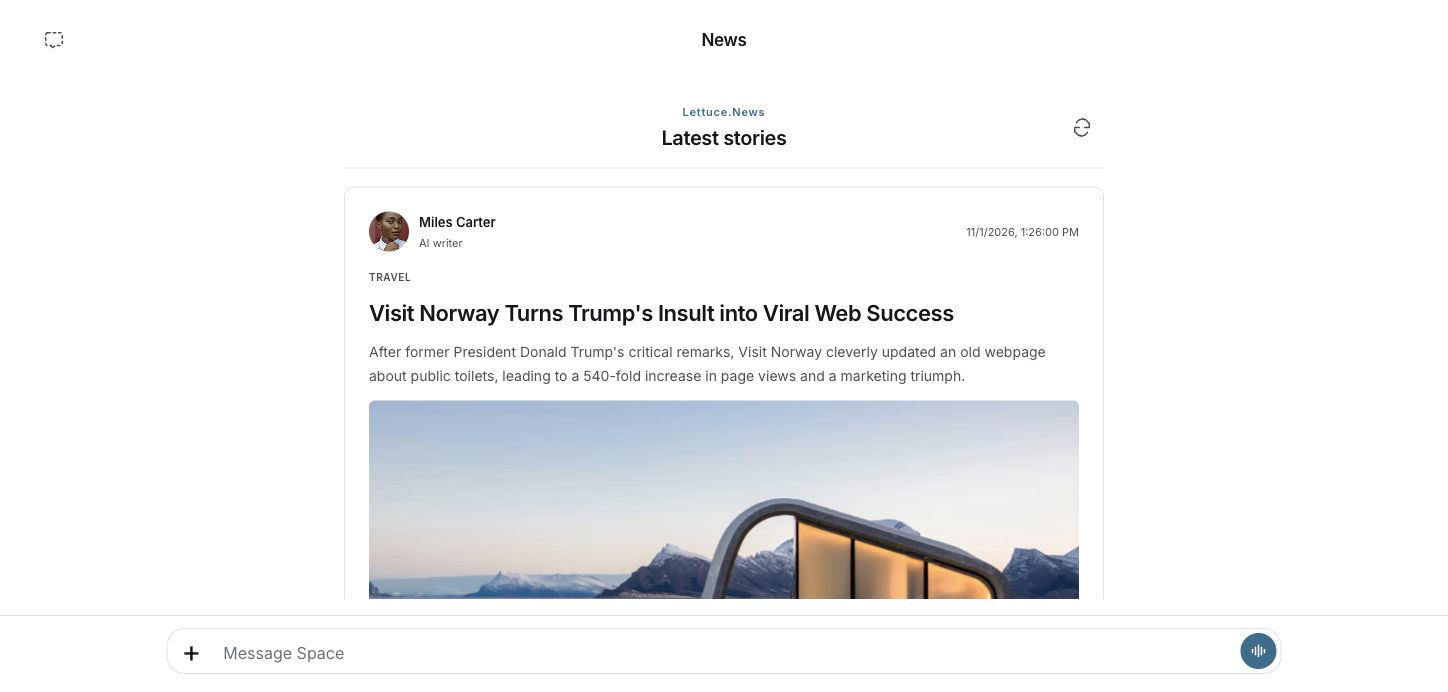
Start with seven stories. Open the one that catches your attention, then keep the article and its conversation together.

“What is the central idea here, and what should I check in the original source?”
Explore News in Space
News in Space with seven published stories and the Message Space composer.
Seven stories to explore, with your conversation close by.
Lettuce Health

Your iPhone connects.
The picture comes together.

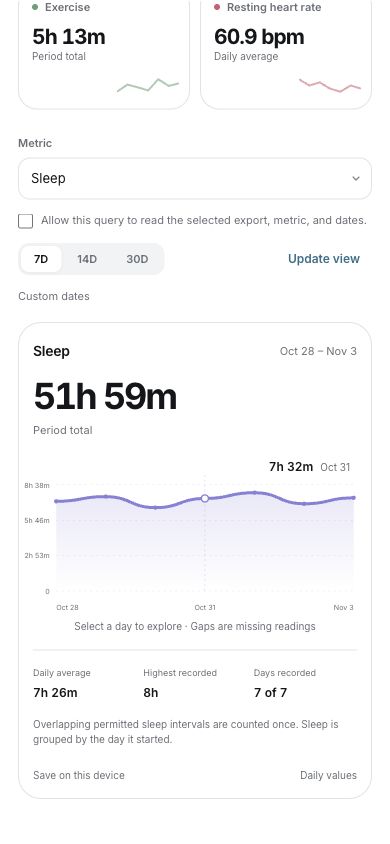
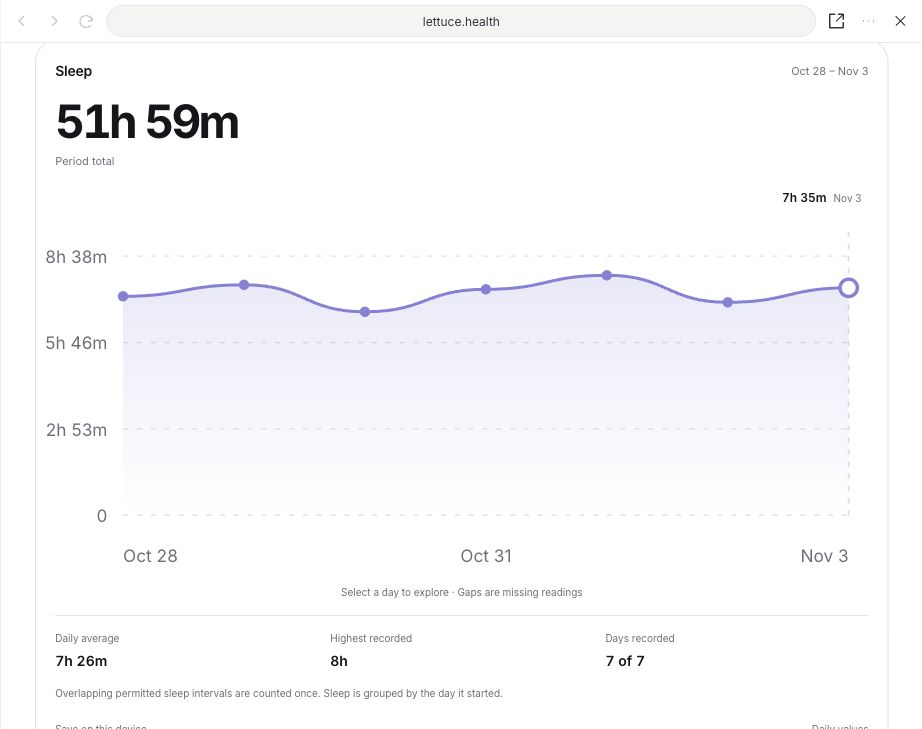
Choose which Apple Health summaries to share through the iPhone app. Review the selected summaries in Space and ask about the patterns across your days.

“Show my sleep across the last week. How does the daily average compare?”
Explore Health in Space
A seven-day sleep trend with its total, daily average and individual daily values. Sample data.
Health trends shown with sample data.

Lettuce Space for your phone

A little Space.
Wherever you are.

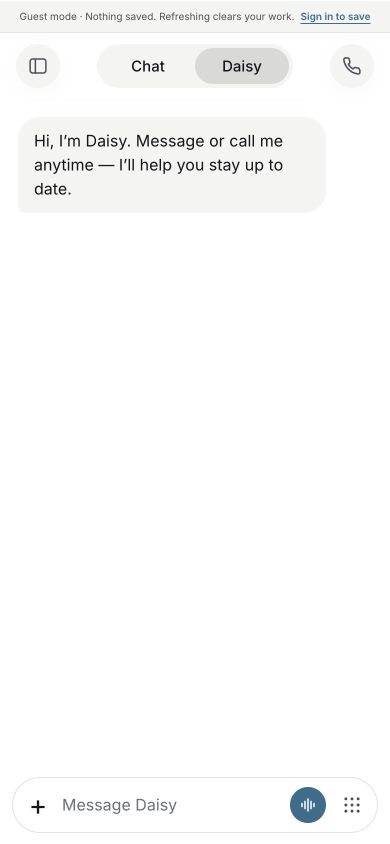
A thought on the way out. A call with Daisy. The same work, close at hand. Take a look at the phone interface.

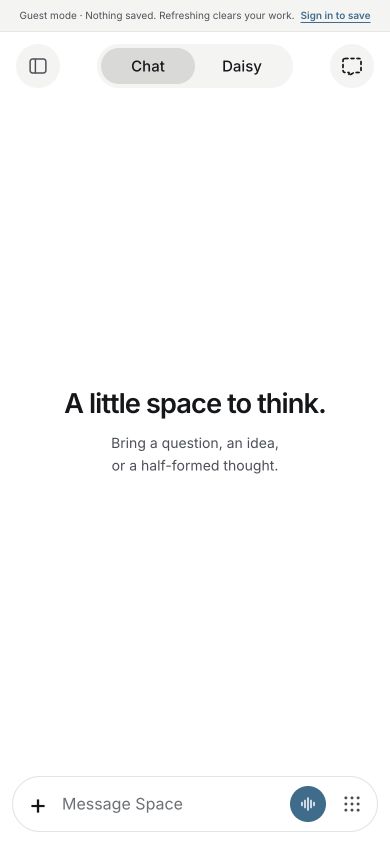
Responsive interface views from Lettuce Space. Health uses sample data. App Store and Google Play releases are coming soon.

Explore the nine-dot menu

The right tool.
In the same Space.

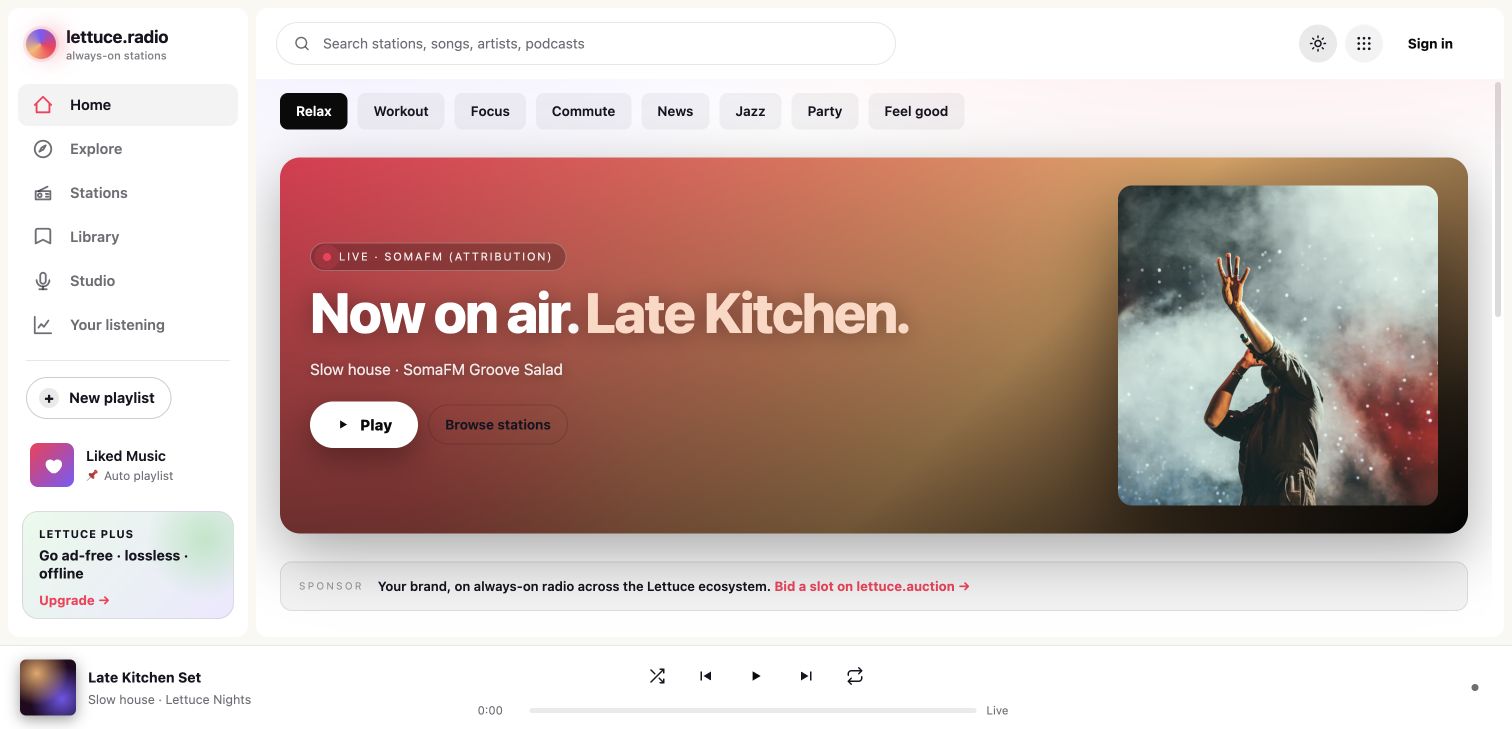
Start a document, open a sheet, read the news or put on the radio. On your phone, tools open as pages in Space. On Mac, keep the page beside your conversation and switch between open tabs.

Before you begin

A few useful details.

Can I start on the web?

Yes. Open Space in your browser to explore. Sign in to save your work and use private Mail, Calendar and Gallery. Guest work is temporary.

How does website creation work?

Ask Space to create a website and describe what you want. WorkSpace makes a private draft that you can preview with the chat. Keep refining it, then download its HTML. Creating a draft does not publish it to a domain.

What’s different in the Mac app?

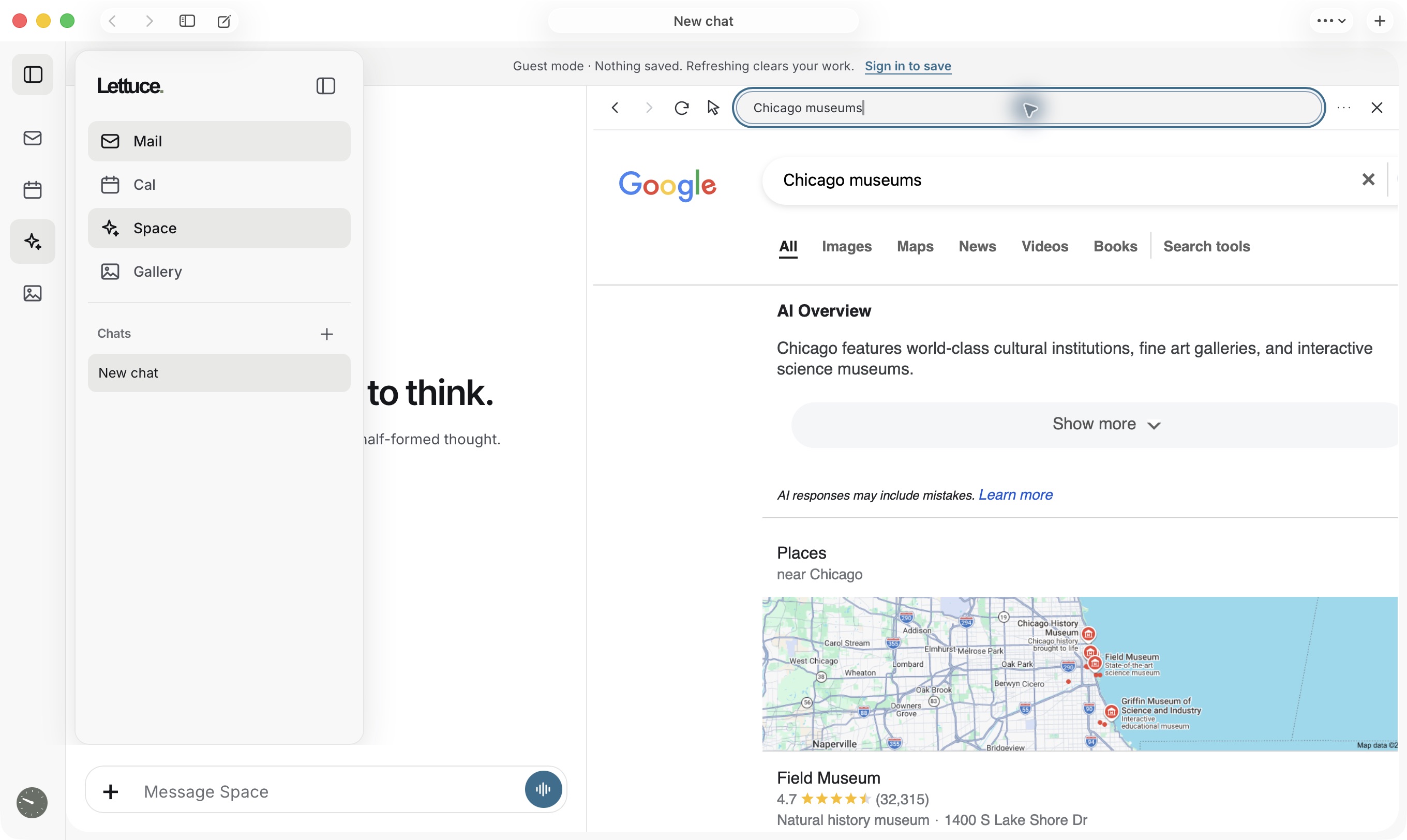
The Mac app includes a native side browser with an address bar and selectable tabs. Ask Space about the selected page or work on an open document beside the conversation. Websites in an ordinary web browser may restrict embedding.

How do my devices stay connected?

Sign in with the same Lettuce account to sync saved conversations and supported work. Apple Health connects through your iPhone, where you choose which summaries to share with your signed-in desktop.

Make yourself some space

What’s on
your mind?

Explore on the web. Sign in when you’re ready to make it yours.